How to set up Two-factor authentication (2FA)?
1)
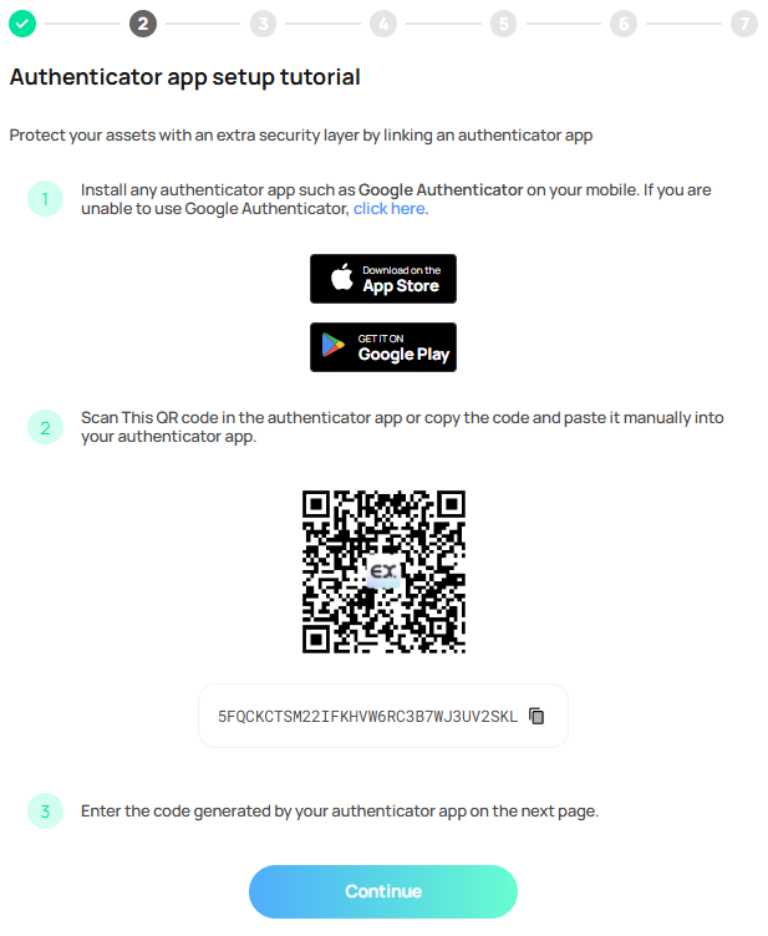
To set up Two-Factor Authentication (2FA), you would need to download an authenticator app, such as Google authenticator. Once you have the app installed simply press “Continue” to proceed with the setup process
2)
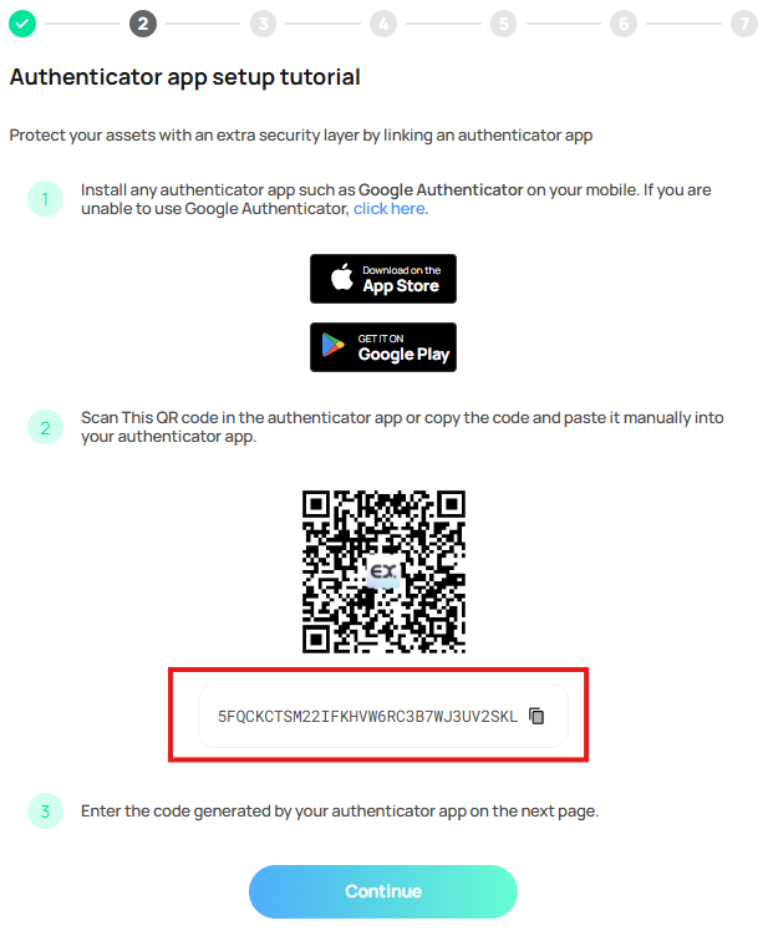
Make a note of the secret key as a backup in case you lose your device.
3)
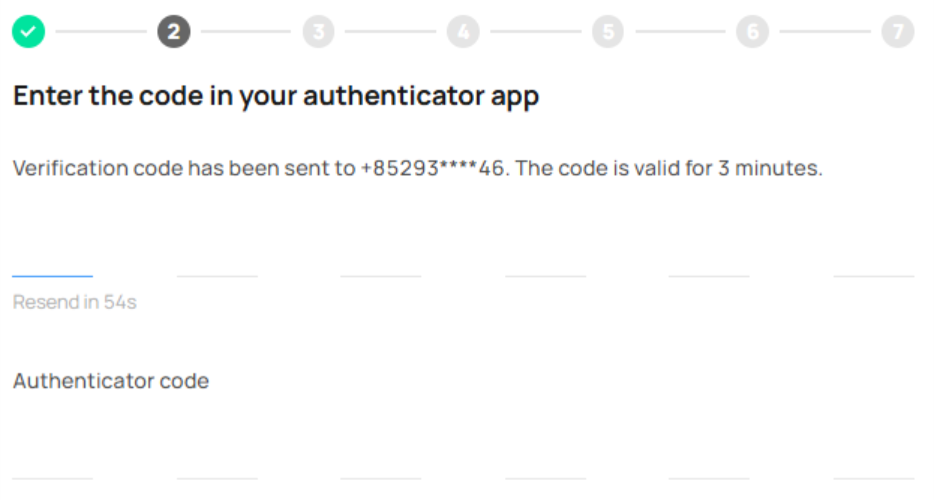
Enter the verification code received via phone number and the authenticator code from the app.
4)
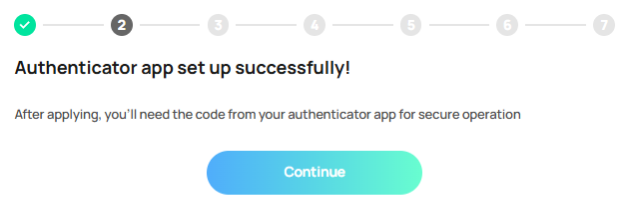
2FA setup successfully.