How to create the Withdrawal Password (Step-by-Step Guide)
1)
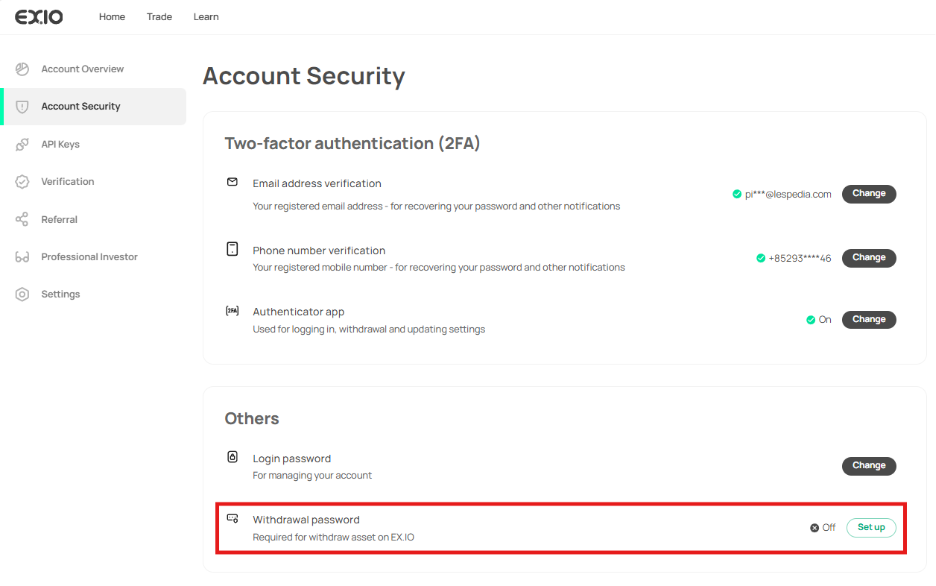
Log in to your EX.IO account, hover over the icon at the top right, and select “Account Security”.

2)
On the account security page, click “Set Up” next to “Withdrawal Password”.
3)
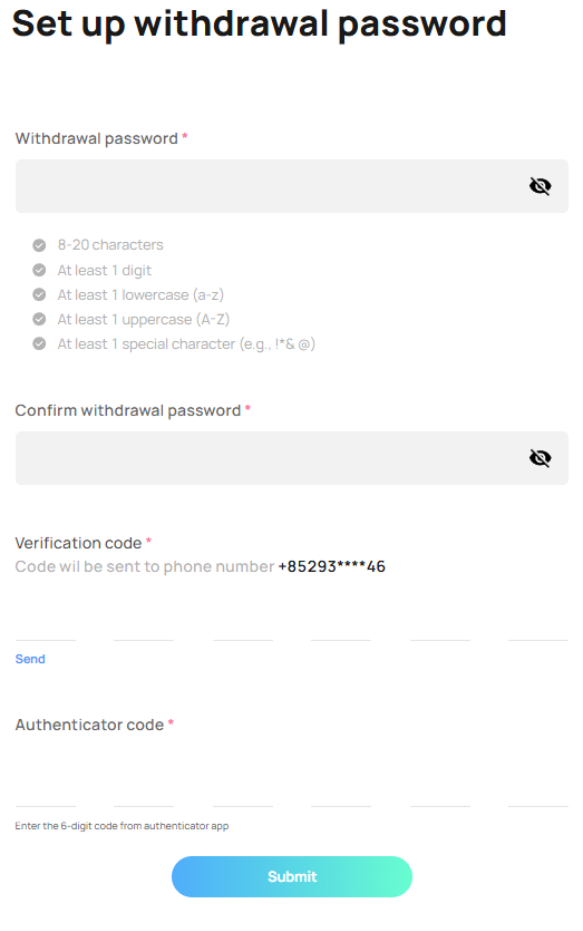
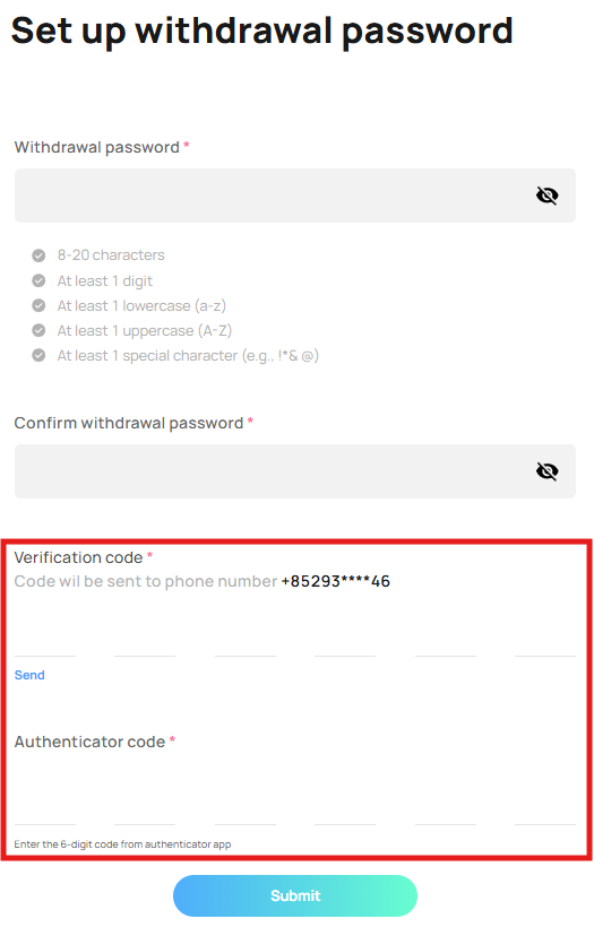
After clicking “Set up” you will reach the “Set up withdrawal password” page.
5)
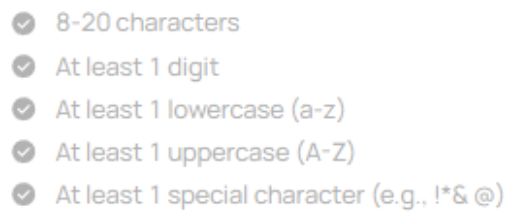
Create and confirm a withdrawal password that complies with EX.IO’s password requirements.
6)
Verify your account ownership by entering your SMS verification code and 2FA authenticator code.
7)
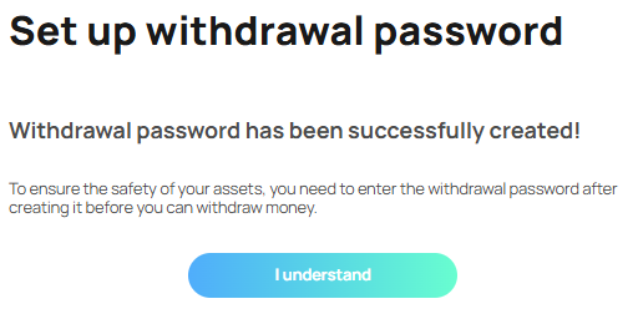
After entering all the information, click on “Submit” and you will receive an acknowledgement stating that your withdrawal password has been successfully created.