Trading
OrderbookOTC
RWA+
RWA & TradFiToken Planet
Insights
InsightsResearchLearnRWA LabAnnouncements
Custody
Login
Register
  1. Insights
  2. /
  3. Crypto & Digital Asset Research
  4. /
  5. How to Add EX.IO to Your Phone’s Home Screen?

How to Add EX.IO to Your Phone’s Home Screen?

Create a shortcut for instant access to EX.IO on your iOS or Android device:

Step-by-Step Guide 

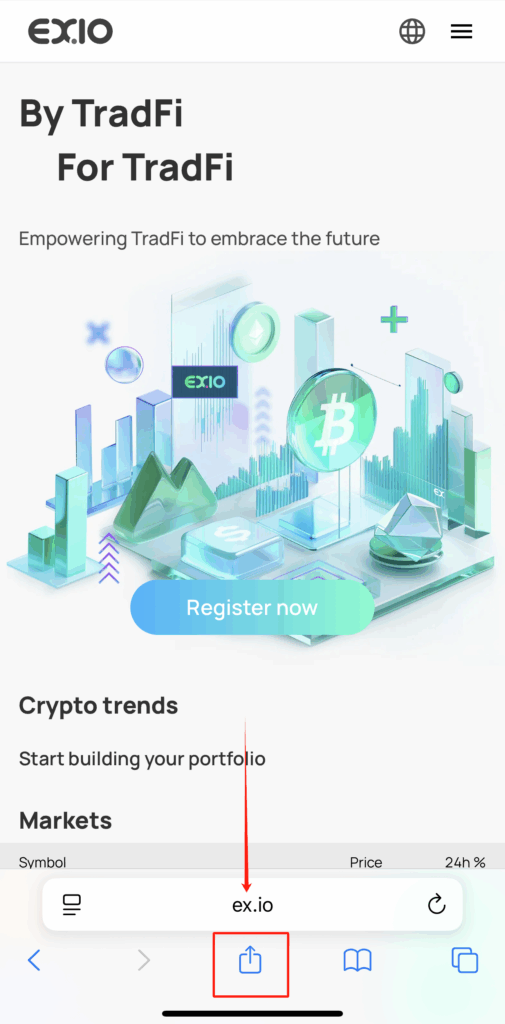
  1. Visit EX.IO 
  • Open Safari (iOS) or built-in browsers on Android and go to ex.io.
  1. Tap the “Share” Button 
  • iOS: Tap the “↑” icon at the bottom.
  • Android: Tap “⋮” (top-right) → “Share.”
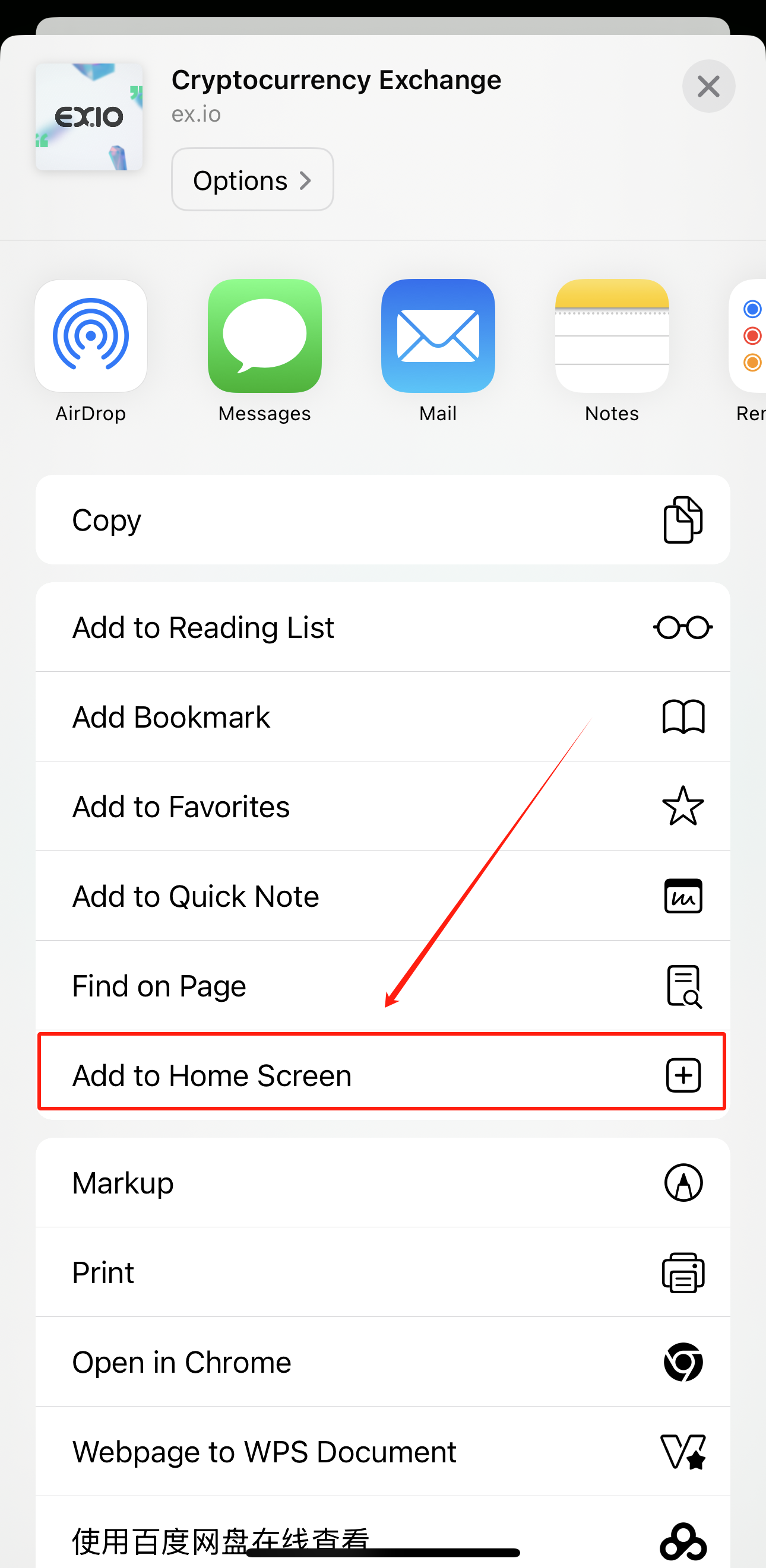
  1. Select “Add to Home Screen” 
  • Scroll/share options to find this action.
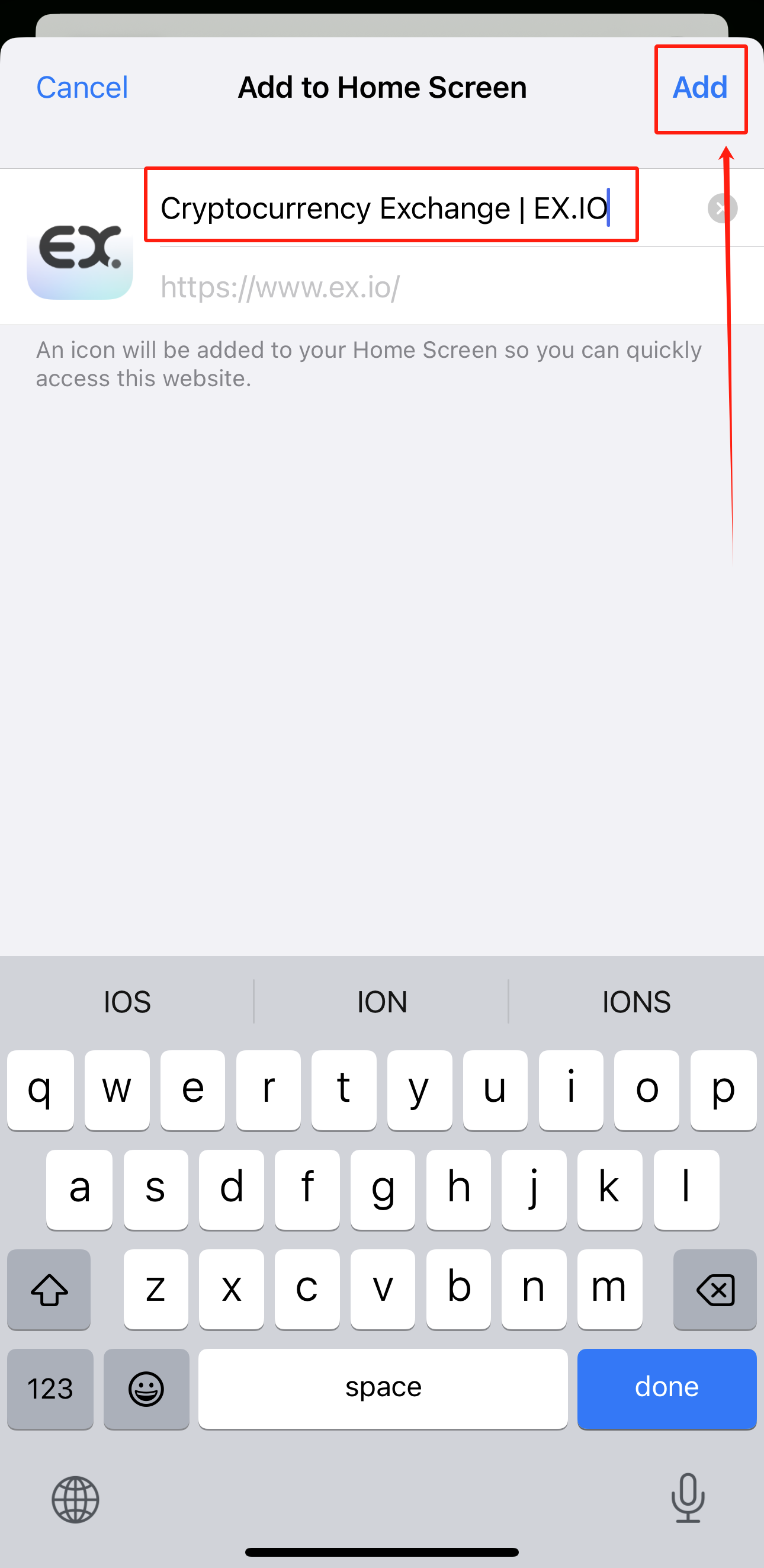
  1. Confirm the Shortcut 
  • Edit the name (optional) → Tap “Add”.

Troubleshooting 

❓ “Add to Home Screen” option missing? 

→ Use a browser (not in-app browsers like Twitter/FB). Update your browser.

❓ Link won’t open after adding? 

→ Check your internet or re-add the shortcut.

Video

View all posts

Latest

Tokenization’s Last Mile Isn’t On-Chain — It’s in the Risk Ledger

Tokenization’s Last Mile Isn’t On-Chain — It’s in the Risk Ledger

Gold Tokens in 2026: Why Bring Gold On-Chain? — Mapping the Global Ecosystem and the Logic of “One Gram of Gold”

Gold Tokens in 2026: Why Bring Gold On-Chain? — Mapping the Global Ecosystem and the Logic of “One Gram of Gold”

After the US$3B Freeze: Why the Future of Custody is about Governance, Not Just Technology

After the US$3B Freeze: Why the Future of Custody is about Governance, Not Just Technology

About
About Us
Our Team
On-Platform Trading Rules
Off-Platform Trading Rules
Trading Pairs
Fee Schedule
Token Admission and Removal Rules
Careers
Support
Support center
FAQ
API
Contact Us
Insights
Research
Learn
Announcements
Legal
Product Disclosure
Privacy Policy
Risk Disclosure Statement
Terms and Conditions
Compensation Arrangement
Business Resumption Plan
Complaint Handling Procedure
Community
Cert number: 25/18017
© 2026 EX.IO | All Rights Reserved